

Best Tools for Legacy PHP Protection
If I had to pick one tool for most legacy PHP setups, I’d put SourceGuardian first, ionCube second, YakPro-Po fourth for protection strength, and phpBolt in a “verify before you buy†bucket. That’s the short answer.
If you’re running PHP 5.4, 5.6, or early 7.x, I’d focus on four things right away:
- PHP version coverage across old and new servers
- Protection type: bytecode encoding vs. source obfuscation
- License controls like IP, domain, MAC, or time limits
- Deployment friction from loader installs and server support
Here’s the plain-English takeaway:
- SourceGuardian covers the broadest span, from old PHP builds to PHP 8.x, with encoding, encryption, obfuscation, and locking options.
- ionCube Encoder is a close second, with strong loader support and broad host availability, but it leans more toward newer legacy environments than very old ones.
- phpBolt stays hard to rank because public docs are thin, so risk is higher if you need clear proof before rollout.
- YakPro-Po is the simplest to deploy because it uses no loader, but it only obfuscates source and does not add license locking.
For many teams, the trade-off is simple: more protection usually means more setup work. If you ship paid PHP software, that trade is often worth it. If you just want to make source harder to read on an old shared host, a lighter tool may be enough.
Quick Comparison
| Tool | Protection Style | License Controls | Loader Needed | Best Fit |
|---|---|---|---|---|
| SourceGuardian | Bytecode + encryption + obfuscation | Yes | Yes | Commercial legacy apps across mixed PHP versions |
| ionCube Encoder | Bytecode + encryption + obfuscation | Yes | Yes | Legacy apps where host support matters |
| phpBolt | Loader-based protection | Limited | Yes | Smaller VPS or managed-host use, if verified first |
| YakPro-Po | Source obfuscation | No | No | Low-friction masking on old servers |
One point stands out: only 1 of these 4 tools avoids a runtime loader. That’s YakPro-Po. But that easier setup comes with a weaker protection model than SourceGuardian or ionCube.
So if I were making the call today, August 17, 2026, I’d use this rule:
- Pick SourceGuardian if control and old-version support come first.
- Pick ionCube if host compatibility and common loader availability come first.
- Pick YakPro-Po if no-loader deployment matters more than hard locking.
- Treat phpBolt with caution until your team confirms version support, docs, and license behavior in test.
That’s the full article in a short version.
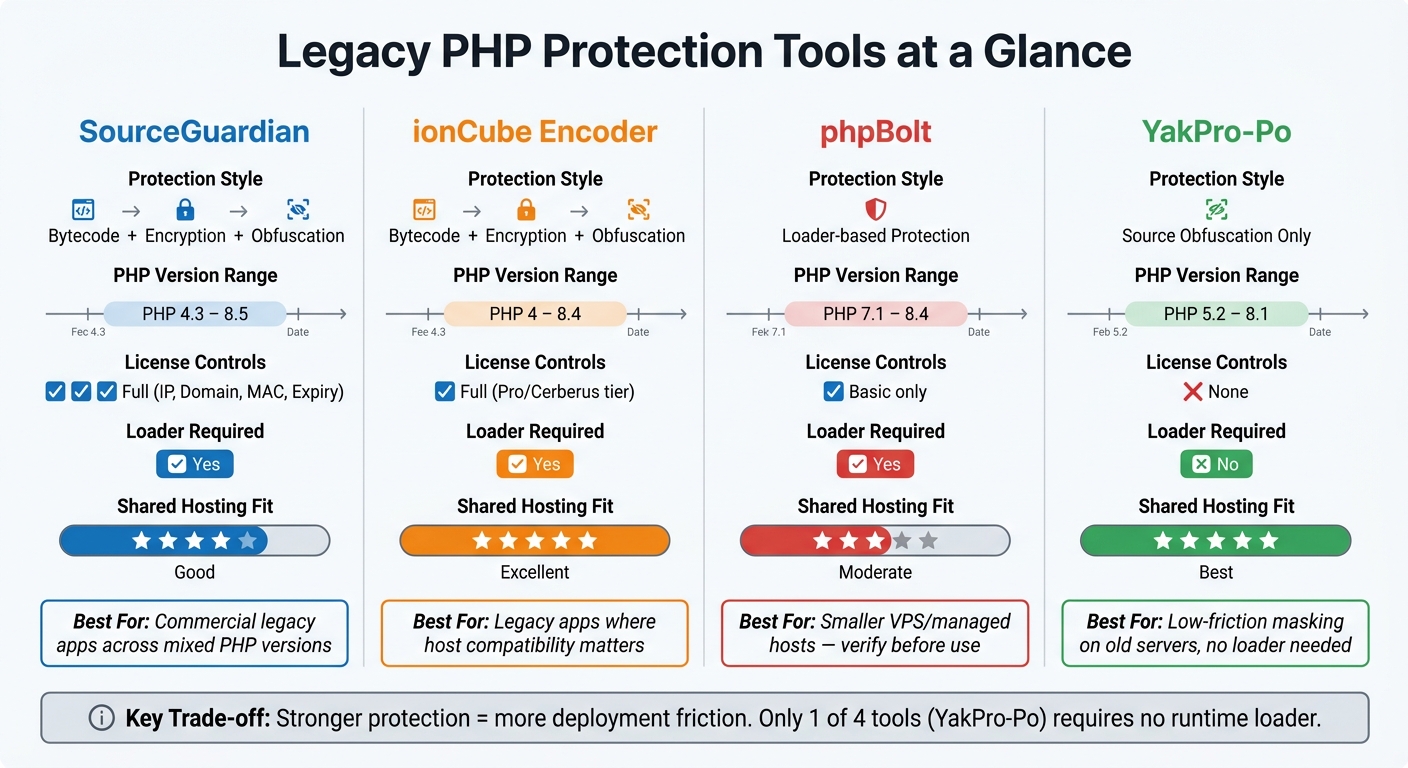
Legacy PHP Protection Tools Compared: SourceGuardian vs ionCube vs phpBolt vs YakPro-Po
1. SourceGuardian
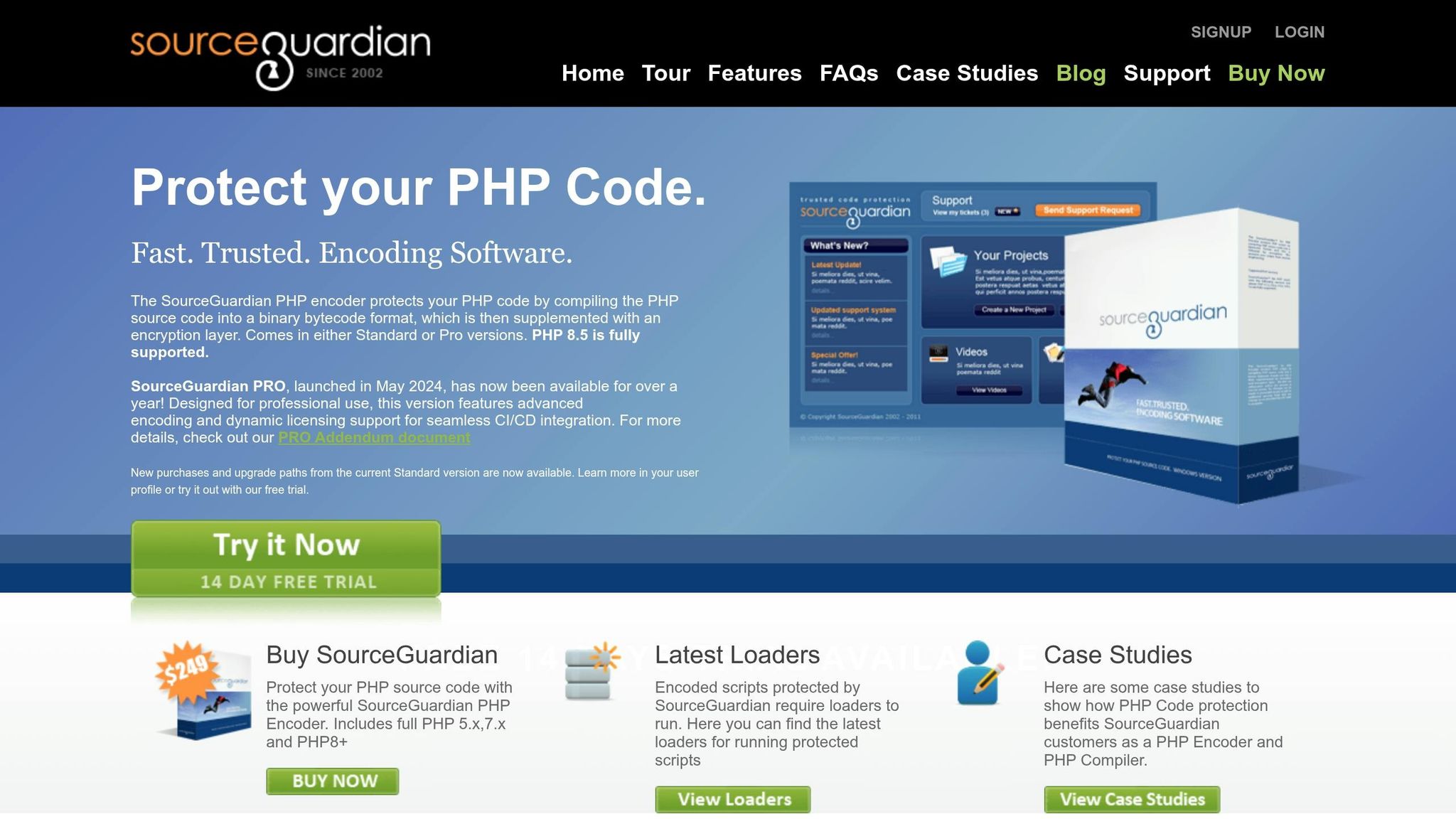
SourceGuardian is a strong match for older PHP projects that need broad version support without causing much trouble in production.
It comes in Standard and PRO editions, and both are available with a 14-day evaluation period.
PHP Version Coverage
SourceGuardian supports PHP 4.x through PHP 8.4. That wide range makes it a practical choice for long-running codebases that still depend on older PHP versions.
Protection Depth
SourceGuardian compiles PHP into protected bytecode and then adds encryption and obfuscation. It can also use advanced obfuscation to hide internal names like functions and classes.
It also works with short <? tags, ASP-style <% %> tags, and eval()-based loaders. That matters for older apps, because it helps them keep running without a refactor. In plain terms, you can encode aging code with fewer changes to the codebase.
Licensing Controls
SourceGuardian supports several license restrictions, including:
- IP locks
- Domain locks
- MAC locks
- Machine-ID locks
- Expiration dates
- Day-based trials
It also includes an online time check to help stop clock-based bypasses.
Deployment Fit
Encoded scripts run on Linux, Windows, macOS, and FreeBSD. Each server needs the free Loader extension. If you want build automation, PRO adds CI/CD integration for automated builds.
For teams stuck supporting older PHP releases, that mix of version coverage, code protection, and deployment control is hard to ignore.
sbb-itb-f54f501
2. ionCube Encoder
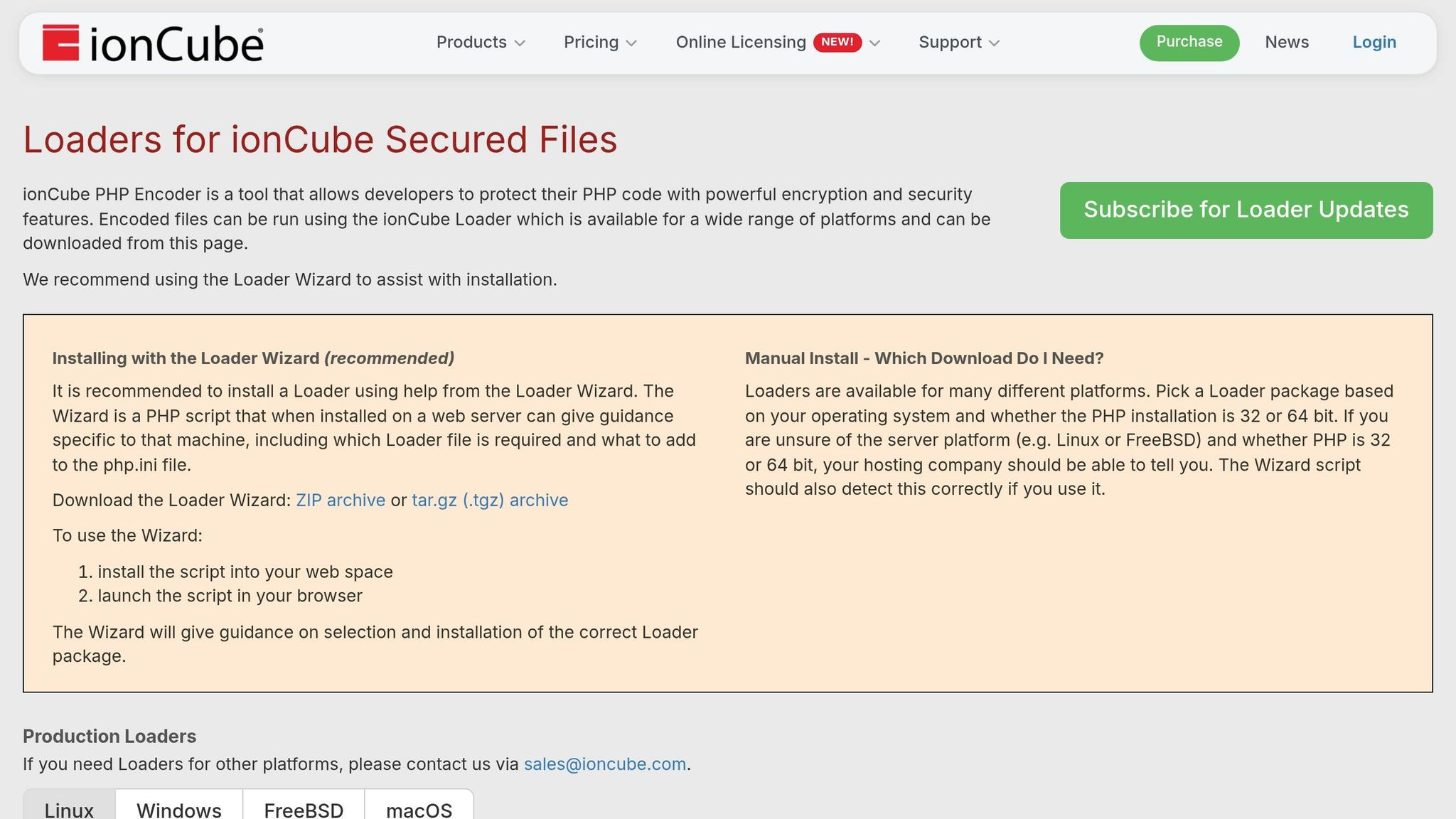
ionCube Encoder is built to protect legacy PHP apps by compiling source code into protected bytecode that runs only with ionCube Loader.
PHP Version Coverage
ionCube supports encoding for PHP 4, 5, 7, and PHP 8.x through 8.4, with separate encoder binaries for each target version. Files encoded for PHP 8.2 can run on PHP 8.2, 8.3, and 8.4. And with Loader 15.5+ on Linux, they can even run on PHP 8.5 without re-encoding.
That kind of forward compatibility saves teams from having to re-encode files every time PHP gets a minor version bump.
Version support is one thing. The bigger issue is how hard the code is to read once it's protected. This is a core concern for PHP encoder security across different tools.
Protection Depth
ionCube compiles PHP into Zend VM bytecode, obfuscates names and control flow, and encrypts string constants. At runtime, Loader decrypts the container, checks licenses, and passes the bytecode to PHP.
So the setup does more than just hide plain source files. It adds a guarded runtime layer between the app and anyone trying to inspect it.
Licensing Controls
Pro and Cerberus add time-limited licenses, domain locks, IP restrictions, and MAC-based licensing. There’s also a remote licensing portal that lets vendors create, update, and revoke licenses without manual work, which is useful when protecting PHP code across many customer servers.
That said, licensing features only help if the Loader keeps pace with server changes.
Deployment Fit
The Loader is common on shared hosting, and many hosting providers include it by default. On VPS, dedicated servers, or containers, teams need to install the matching Loader, register it in php.ini, and restart PHP.
The main upkeep is keeping Loader up to date. Older versions can stop encoded files from running on newer PHP runtimes, so Loader updates become part of normal patching work.
The next comparison shows how these tradeoffs compare with the other tools.
3. phpBolt
Verified phpBolt documentation is limited, so only confirmed deployment requirements should go here. That makes phpBolt harder to judge for version support, protection depth, and licensing controls.
Because the confirmed details are so thin, the comparison shifts to the tools with clearer documented capabilities.
4. YakPro-Po
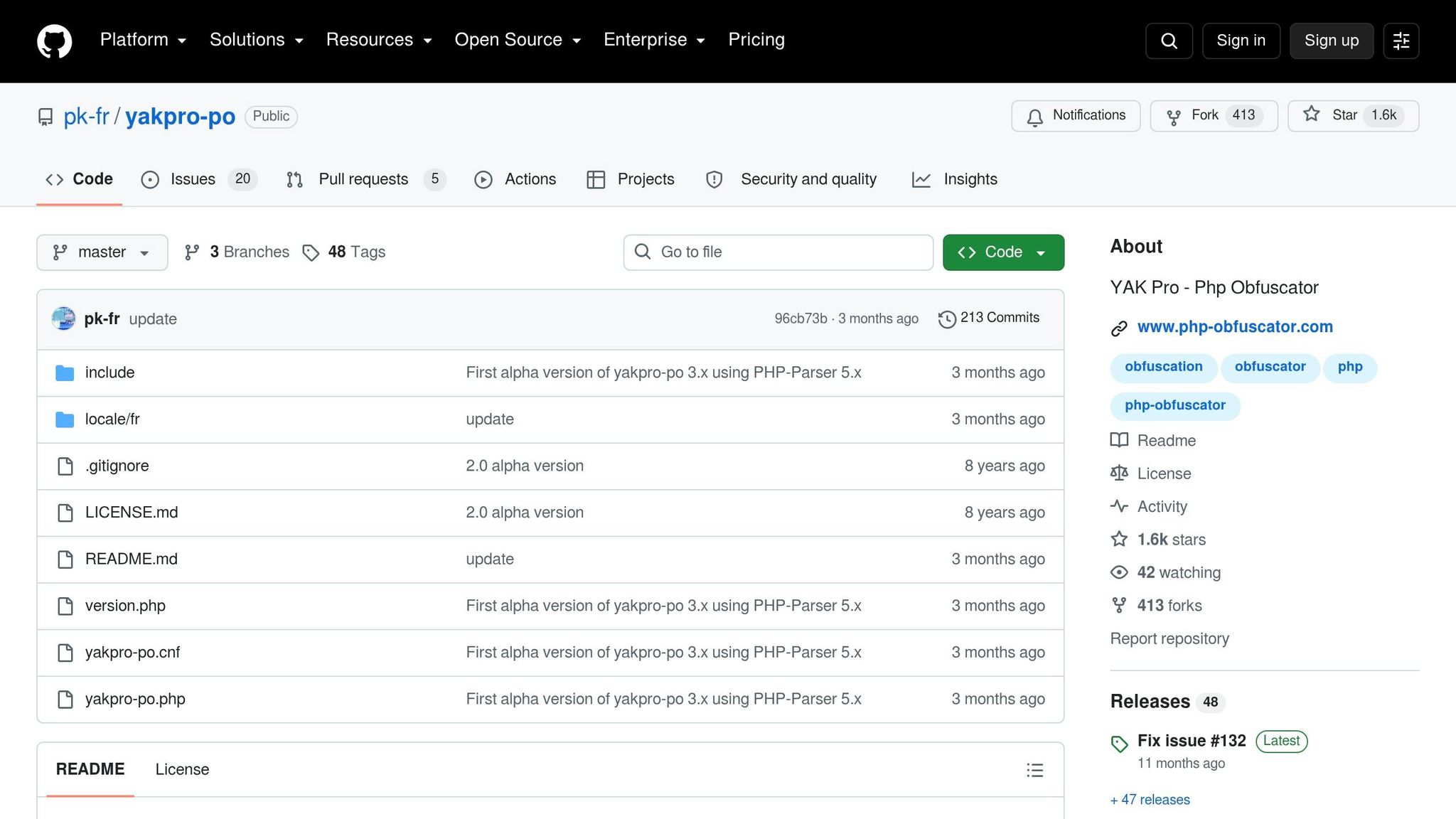
YakPro-Po sits on the lighter end of the protection spectrum. It’s a free, open-source PHP obfuscator that rewrites source code to make it harder to inspect. As part of that process, it renames variables and functions too.
PHP Version Coverage
Because YakPro-Po rewrites source instead of compiling bytecode, it depends less on a specific PHP version. That makes it a decent fit for older PHP codebases where compatibility can be a headache.
Protection Depth
Source-level obfuscation does not encrypt code, and the output is easier to reverse than encoded protection. That’s the tradeoff. You get a simpler setup, but not the same level of protection. It also means there are no licensing controls built into the tool.
Licensing Controls
YakPro-Po does not include licensing or script-locking features. There’s no built-in domain, IP, or hardware locking. For legacy PHP projects that need controlled distribution, that’s a clear gap. On the flip side, deployment is easier.
Deployment Fit
Its main strength is simple deployment: there’s no server-side loader, so it works well on shared hosting and older servers.
Feature-by-Feature Comparison
These tools split apart most clearly in PHP version support, protection strength, licensing, and deployment.
PHP Version Coverage
SourceGuardian and ionCube support the broadest range of older PHP versions. phpBolt starts later. YakPro-Po works a bit differently because it depends on parser compatibility instead of a runtime loader.
That matters more than it may seem. If even one server in your stack runs an unsupported PHP version, deployment can stop cold.
Version support is just the first checkpoint, though. The next piece is how hard the protected code is to inspect.
Protection Depth
SourceGuardian and ionCube use encoded bytecode. YakPro-Po stays at the source level. phpBolt lands somewhere in the middle.
That difference shapes how much effort it takes to inspect or reverse the code.
After that, licensing becomes the next big dividing line, because it affects how you ship and control the script.
Licensing Controls
SourceGuardian and ionCube (Pro and Cerberus) include full licensing controls. phpBolt offers basic loader-based checks. YakPro-Po includes none.
So the gap here is pretty clear: some tools focus on code locking and distribution control, while others mostly focus on obfuscation.
Deployment Fit
The table below shows loader requirements and hosting fit.
| Tool | Loader Required | PHP Version Range | Linux/Windows Support | Shared Hosting Fit |
|---|---|---|---|---|
| SourceGuardian | Yes (ixed extension) |
PHP 4.3–8.5 | Yes | Good; loaders available for major platforms |
| ionCube Encoder | Yes (ionCube Loader) | PHP 4–8.4 | Yes | Excellent; widely pre-installed on shared hosts |
| phpBolt | Yes (bolt.so) |
PHP 7.1–8.4 | Yes | Moderate; works well on VPS and managed hosts |
| YakPro-Po | No | PHP 5.2–8.1 | Yes | Best; runs wherever PHP runs, with no runtime extension needed |
Loader dependence is the main reason some tools work better on shared hosting than others.
Pros and Cons
The next question isn't which tool is the strongest. It's which one fits your PHP version range and your deployment limits.
That's the trade-off here: stronger protection usually means more deployment friction.
SourceGuardian is a good fit for multi-generation codebases. The main downside is loader dependence, and projects running PHP 5.3 or 5.4 still need SG16.
ionCube works well for legacy apps running on newer PHP versions, especially when easier deployment on shared hosting matters. The catch? It's less suited to older PHP 4.x/5.x codebases.
Use the table below to weigh protection depth against deployment friction.
| Tool | Pros | Cons |
|---|---|---|
| SourceGuardian | Extensive legacy PHP support; bytecode compilation plus encryption; granular locking; CI/CD support in PRO | Requires a loader on every target server; PHP 5.3/5.4 projects need SG16 |
| ionCube Encoder | Easier deployment for legacy apps on newer PHP versions; loader widely pre-installed on shared hosts | Less suited to older PHP 4.x/5.x codebases |
| phpBolt | Works on VPS and managed hosts; loader-based protection | Limited documentation; starts at PHP 7.1; basic licensing controls only |
| YakPro-Po | No loader required; runs on any server with PHP | Source-level obfuscation only; no licensing or script-locking features |
Conclusion
This decision boils down to three things: protection strength, licensing control, and deployment friction.
For commercial legacy PHP distribution across different hosting setups, SourceGuardian is the strongest overall fit. It combines bytecode compilation, encryption, and licensing controls in one package. That matters when tight control over distribution is the main goal.
If you're working across mixed-version environments, each encoded build should match the target runtime. SourceGuardian's free loaders for major platforms help keep that process flexible. The PRO edition also adds license management and CI/CD support, which makes it a good fit for teams that ship through automated release workflows.
phpBolt is a simpler protection option with limited licensing controls. YakPro-Po fits projects that want source obfuscation without a loader. For most commercial legacy apps, SourceGuardian still stands out as the most complete choice.
FAQs
How do I choose the right protection level for an old PHP app?
Choose based on how you plan to use and ship the app. For basic IP protection and internal use, SourceGuardian Standard covers the core needs with bytecode compilation and encryption. If you sell software, ship it to customers, or need CI/CD integration and dynamic licensing, PRO is the better fit.
You can also dial in the level of protection with locks tied to IP, domain, MAC address, or machine ID. And if you're releasing a time-limited version, you can set trial expirations too.
Will protected scripts still run after a PHP version upgrade?
Yes - protected SourceGuardian PHP scripts can still run after a PHP version upgrade, as long as you install the matching SourceGuardian loader for the new PHP/OS setup and use a PHP version that SourceGuardian supports.
Here’s the simple way to think about it: the encoded scripts don’t run on their own. They run through the loader, which decrypts the bytecode at runtime before execution.
What should I test before deploying a loader-based protection tool?
Before deployment, make sure the loader build matches your server setup exactly. Check the operating system, CPU architecture, PHP major and minor version, and whether PHP uses a thread-safe or non-thread-safe build. It’s also smart to confirm the loader is installed and active, especially after any PHP upgrade, since updates can knock things out of sync.
You’ll also want to test licensing and locking from end to end. That includes the server-side license file, domain and IP checks, hardware fingerprint, signature integrity, and how the code behaves when a license expires. If any one of those pieces is off, things can break in ways that are hard to spot at first.
Scan and test your code before encoding too. Once the code is encoded, inspection and debugging usually get harder, so this is the time to catch mistakes while everything is still easy to review.